Press kits6 min read
What a Media Kit Is and How to Publish One
Media kit vs. press kit, what belongs on a logo download page, where to host it, who should be able to see it, and the URLs people tend to try first.
FAQ
Answers to the questions we're asked most often. If this doesn't resolve your issue, please contact us.
MediaKit™ is a brand-asset service where companies and organizations publish their official logos, brand colors and usage guidelines at one URL. Anyone can search for and download what is published, without an account.
Each organization's page lives at mdkt.in/@organization-id and is available in Japanese and English. MediaKit™ is run by Creators Team Inc. (Minato, Tokyo).
As of September 2026, both downloading assets and registering an organization to publish its kit are free.
Downloading needs no account. You only create one when your organization publishes its own assets.
Search for the organization on the top page or in the directory, open its page, and press Download on the logo you need. You choose from the formats the organization has published, such as SVG or PNG.
Before using it, read the guidelines on the same page: clear space, minimum size and what not to do. For an organization that isn't listed, ask the organization directly.
SVG, PNG, JPEG, WebP, GIF, BMP, PDF, PS, AI (Illustrator) and XD (Adobe XD). One logo can carry several formats at once.
Brand colors are shown as HEX and RGB, and clicking a value copies it.
Yes. Public (listed and searchable), Unlisted (anyone with the link) and Locked (the link plus a password).
Only Public kits appear in search engines such as Google; Unlisted and Locked pages are marked not to be indexed.
The risk of a logo being misused — for example, falsely implying a sponsorship — isn't unique to this platform.
A company or organization's logo is almost always already published on its own website or in related articles. Anyone can save those public logos from the internet, or take a screenshot to obtain the logo asset.
Please contact your device or OS manufacturer.
We're unable to answer questions about device specifications.
If you believe content on this platform falls under any of the following, please report it to us using the Report button at the top right of the organization's page.
Please note that any claims for damages arising from rights infringement on this platform must be handled directly between the parties involved. Creators Team Inc., the company operating this platform, accepts no responsibility, and as a rule does not mediate such communications.
Yes -- use Bulk upload on the Logo tab and drop in every file at once. Files are matched into one logo per rendition both by file name and by how the artwork actually looks, so files named differently for the same mark still end up together.
A logo with no widely-usable format (SVG only, or only .ai/.pdf) automatically gets a PNG generated for it right in your browser, so a raster format is always available -- you can turn this off if you don't want it.
Yes. Drag a logo's ⋮⋮ handle to reorder it, or a group's own handle to move the whole group -- the same order is used on your public page.
Select several logos with the checkboxes (Shift-click for a range) to set their group or delete them together, and click a group's name to rename it.
By default MediaKit™ picks automatically -- your designated primary logo where relevant, otherwise the first available one for that context.
You can choose a specific logo instead from the Guidelines tab, for the misuse examples, the background samples, and per logo style for clear space and minimum size.
An administrator can delete a workspace entirely from the "Danger zone" at the bottom of the Settings tab. Everything it owns -- logos, colors, guidelines, photos, members, and invitations -- is permanently deleted along with it.
You'll be asked to type the workspace's URL to confirm, and once you do, this cannot be undone.
Any member can leave a workspace at any time from "Leave organization" on the Members tab (except the sole administrator). You can delete your account from the top of your dashboard, but not while you still belong to any workspace.
The sole administrator should make another member an admin, or delete the workspace, before leaving or deleting their account.
Media kit vs. press kit, what belongs on a logo download page, where to host it, who should be able to see it, and the URLs people tend to try first.
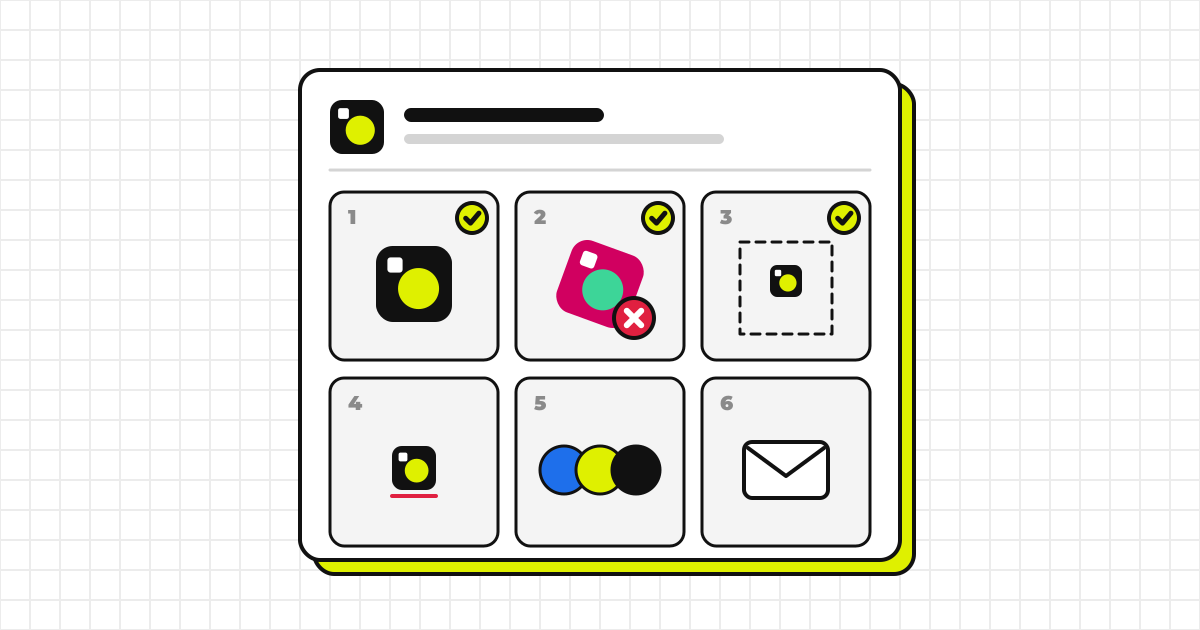
The six items brand guidelines actually need, an outline you can copy, and how to specify colors, typefaces and naming, written for teams without a dedicated designer.
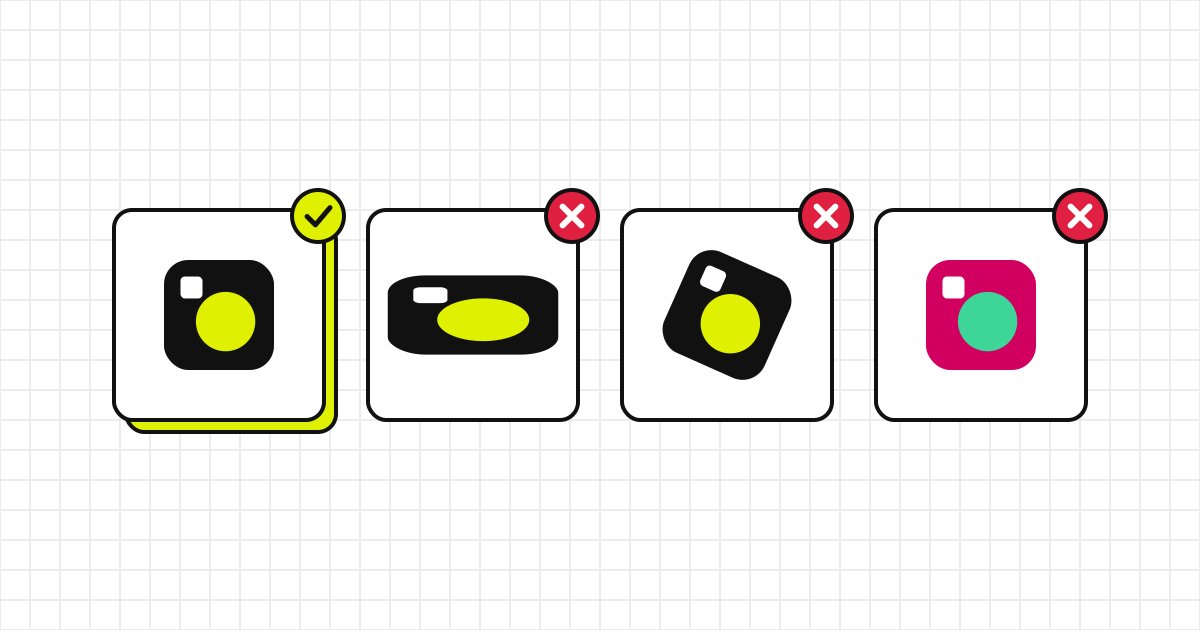
When you need permission to use another company’s logo, which alterations to avoid, how clear space works, and what to put in the request email.