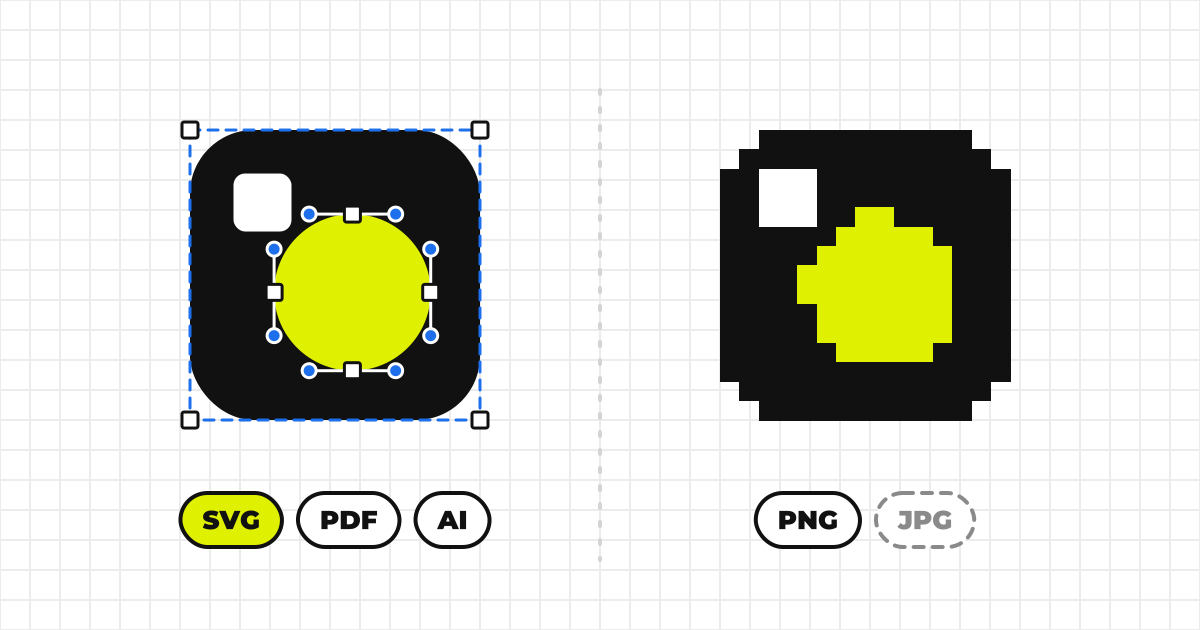
File formats8 min read
Logo File Formats: SVG, PNG, PDF and AI
SVG, PNG, JPEG, WebP, PDF, AI and EPS compared in a table: which to use on the web, in slides and in print, why SVG text breaks, and which formats to supply when you publish a logo.
MediaKit™ is a free service where companies and organizations publish their official logos, brand colors and usage guidelines at one URL. Anyone can search for and download the current files without an account.
Lakazur
Logos 2Colors 4

Vivify
Logos 2Colors 5

LiveFaceSwap AI
Logos 2Colors 5

Get4Games
Logos 3Colors 5
MediaKit™ is a free brand-asset service: companies and organizations publish their official logos, brand colors and usage guidelines at one URL, and anyone can search for and download them without an account. It is run by Creators Team Inc. in Tokyo.
Find an official media kit by organization or service name.
Get official logos in the format and color variant you need.
Copy brand color codes with a single click.
BLOG
File formats, brand colors, clear space and more: the things that trip people up in practice, answer first.
SVG, PNG, JPEG, WebP, PDF, AI and EPS compared in a table: which to use on the web, in slides and in print, why SVG text breaks, and which formats to supply when you publish a logo.
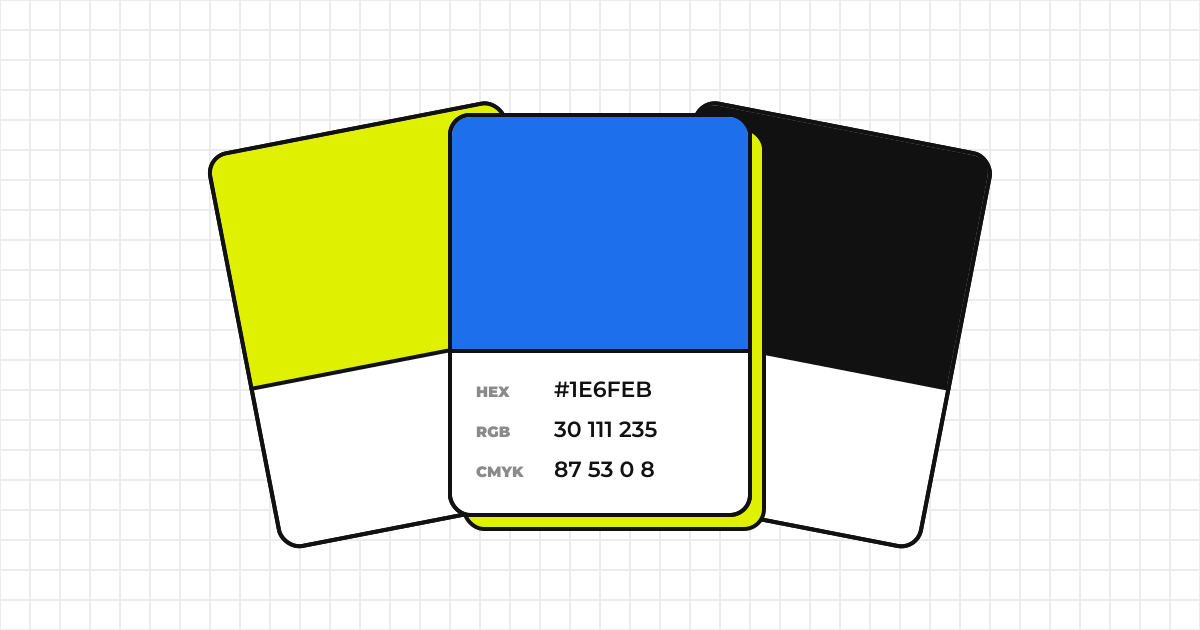
How HEX, RGB, CMYK and spot colors (DIC, PANTONE) differ and when to use each. Why RGB can’t be converted to CMYK exactly, how to write colors in guidelines, and how to check whether a color works for text.
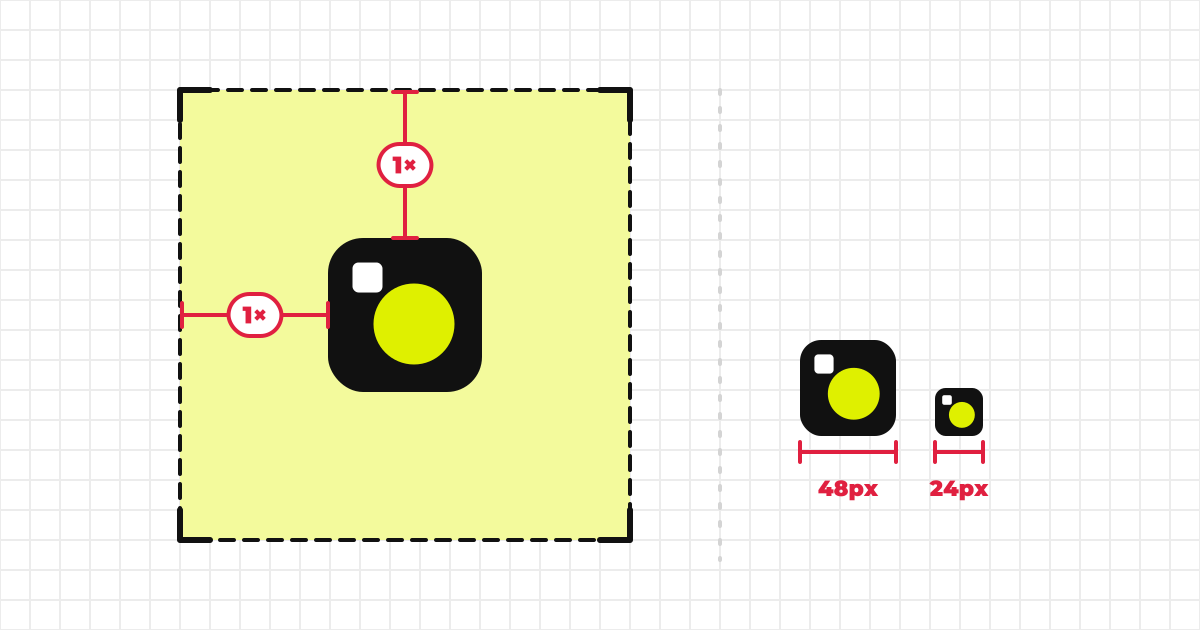
How to decide a logo’s clear space and minimum size and write them down: choosing the unit, measuring at real size, setting screen px and print mm separately, and wording people will follow. Written for whoever publishes the logo.
When you need permission to use another company’s logo, which alterations to avoid, how clear space works, and what to put in the request email.
The six items brand guidelines actually need, an outline you can copy, and how to specify colors, typefaces and naming, written for teams without a dedicated designer.
Media kit vs. press kit, what belongs on a logo download page, where to host it, who should be able to see it, and the URLs people tend to try first.
MediaKit™ is a brand-asset service where companies and organizations publish their official logos, brand colors and usage guidelines at one URL. Anyone can search for and download what is published, without an account.
Each organization's page lives at mdkt.in/@organization-id and is available in Japanese and English. MediaKit™ is run by Creators Team Inc. (Minato, Tokyo).
As of September 2026, both downloading assets and registering an organization to publish its kit are free.
Downloading needs no account. You only create one when your organization publishes its own assets.
Create an account, register your organization and add your logos and brand colors: MediaKit™ builds a press-kit page with most of the usage guidelines generated for you. Then share that page’s link with press and partners. It costs nothing.
Search for the organization on the top page or in the directory, open its page, and press Download on the logo you need. You choose from the formats the organization has published, such as SVG or PNG.
Before using it, read the guidelines on the same page: clear space, minimum size and what not to do. For an organization that isn't listed, ask the organization directly.
Yes. Public (listed and searchable), Unlisted (anyone with the link) and Locked (the link plus a password).
Only Public kits appear in search engines such as Google; Unlisted and Locked pages are marked not to be indexed.
Yes, when they open the link. A kit keeps the same URL when its files change, so the page always shows the current version. Files someone has already downloaded are not replaced, which is why sharing the link works better than sending files.
Register your organization and publish official logos, colors, and guidelines at a single link. Update assets anytime — everyone you share with always gets the latest version.