“How many pixels should my logo be?” has no single answer that works everywhere. Keep the master as a vector file such as SVG, and export a PNG only where an image is needed, at twice the size it will be displayed.
The sections below go through websites, social profiles, documents and print, with a size for each and the reason behind the number.
How to think about logo size
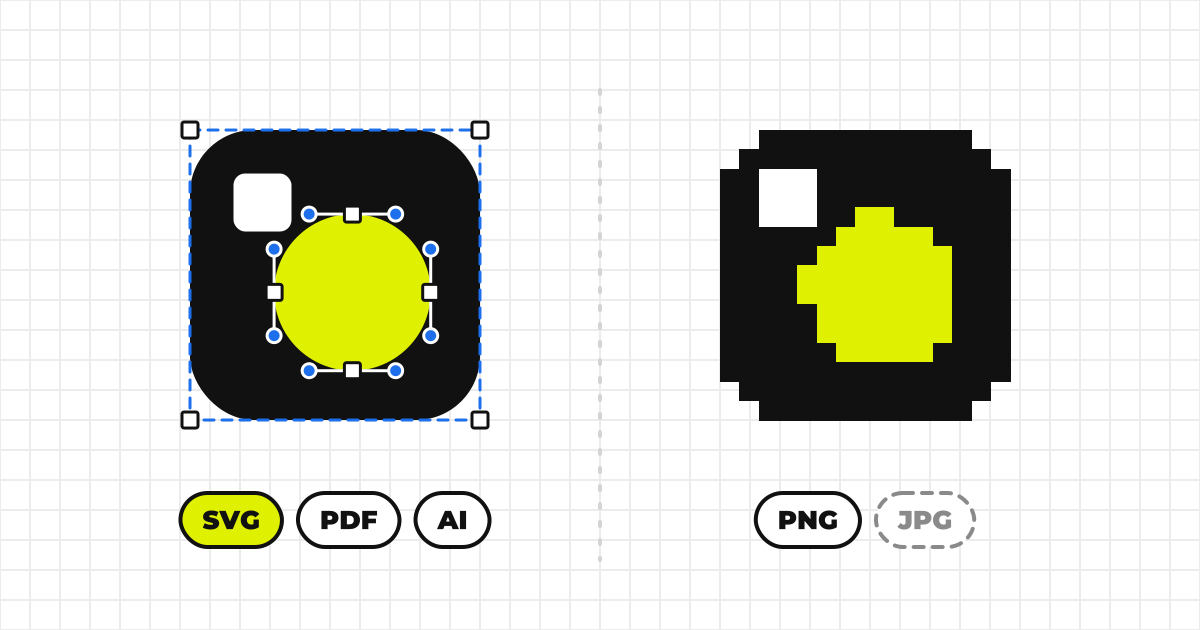
A vector file (SVG, PDF) has no size in pixels. It can be enlarged indefinitely without its edges going soft, so a website needs only one file, and the page decides how large to show it.
A PNG is a grid of dots and blurs when it is shown larger than it was made. Export a PNG at twice the size it will actually be displayed: phones and most current laptops draw each pixel of a layout with two or more physical dots in each direction, and an image made at exactly the layout size looks coarse on them. A logo shown 40px tall needs a PNG 80px tall.
Logo sizes for a website
| Where | Size | Basis and notes |
|---|---|---|
| Header logo | SVG, or a PNG twice the displayed height | There is no standard; the header’s height decides it. In a header 60–80px tall the logo usually ends up about half that |
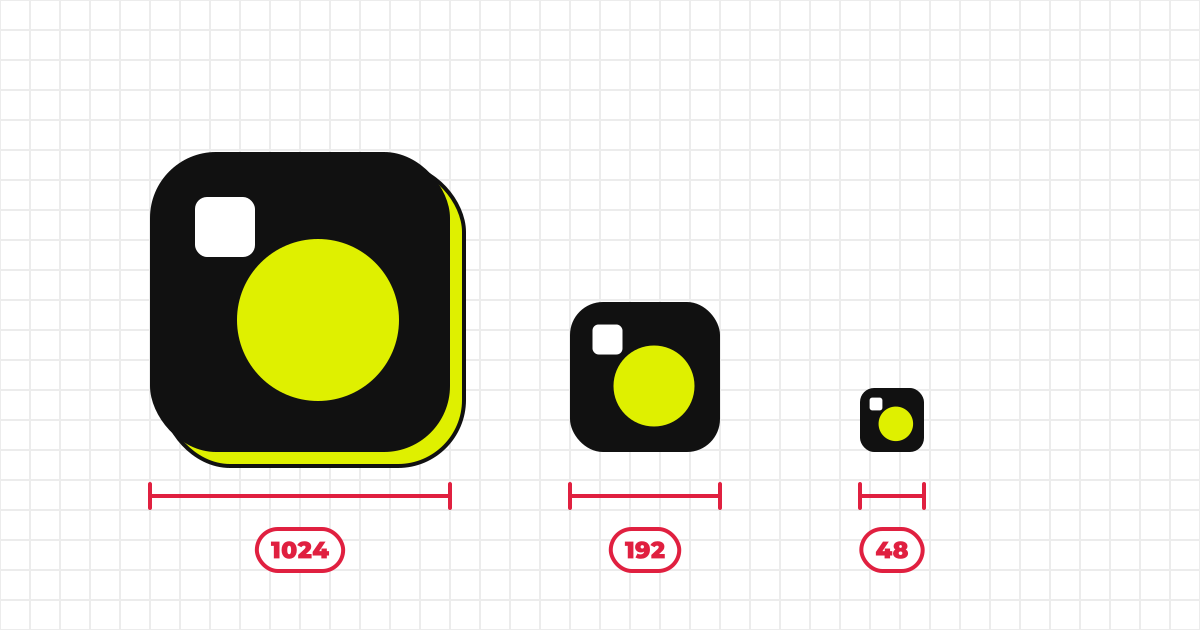
| Favicon | A square larger than 48×48px | Google requires a square of at least 8×8px for the favicon it shows in search results and recommends one larger than 48×48px |
| Home screen icon (web app) | 192×192px and 512×512px | Chrome’s criteria for an installable web app include icons at these two sizes |
| iPhone home screen | 180×180px | The size commonly supplied as the apple-touch-icon |
| Open Graph image (link previews) | At least 1200×630px | Meta recommends at least 1200×630px for high-resolution screens, close to a 1.91:1 aspect ratio |
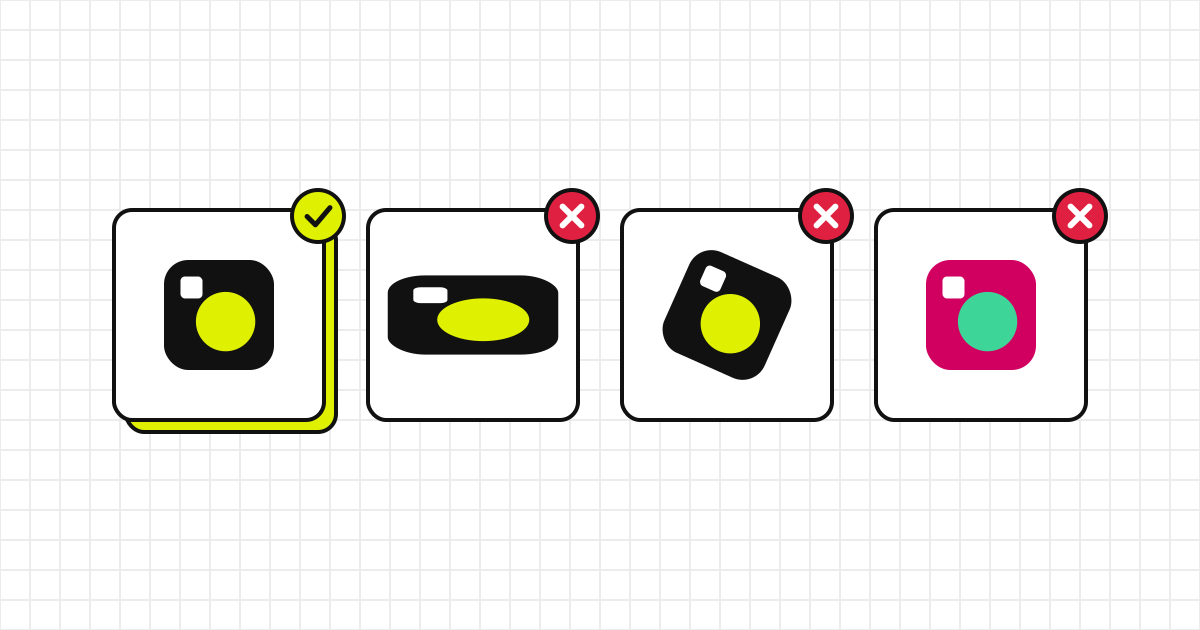
Use the symbol alone for favicons and icons, not the horizontal lockup. A logo with lettering squeezed into a 48px square shrinks the lettering past reading. For the Open Graph image, the page’s title together with the logo says more about the page than the logo on its own.
Sizes for social profile pictures
Each service has its own specification, and they change. The table shows what each company’s own help pages said in November 2026.
| Service | What the service says | Notes |
|---|---|---|
| Facebook Page | 320×320px for the best quality | Displayed at 176×176px on computers and 196×196px on smartphones, cropped to a circle |
| LinkedIn Page (logo image) | 400×400px recommended, 268×268px minimum | PNG or JPEG, up to 3MB. Shown on both light and dark backgrounds |
| YouTube channel | Renders at 98×98px | JPG, GIF, BMP or PNG, up to 15MB |
| X and Instagram | Uploaded square, cropped to a circle | Check each service’s help page for its figure |
There is no need to make one per service. A single 1024×1024px square PNG exceeds every recommendation above. Services scale a large image down themselves, so an image can be too small but is almost never too large.
Placing the logo so a circular crop doesn’t clip it
Most services crop the square to a circle, which removes the corners. If your symbol is roughly square, keep it to no more than 70% of the image’s width, centered. A square inscribed in a circle has sides about 70.7% of the diameter; anything larger loses its corners.
Fill the background with a color; don’t leave it transparent. What shows through a transparent area differs from service to service, and the logo can end up on a color you didn’t choose.
Sizes for slides, documents and email
Slides and Word documents may not accept SVG, or may render it badly, so use a PNG with a transparent background. One horizontal logo about 1000px wide can sit at up to half the width of a Full HD (1920×1080px) slide without being enlarged, which covers both a large logo on a title slide and a small one in a corner.
In an email signature, keep the displayed height to roughly 30–50px and use a PNG twice that size. Many email clients don’t display SVG, so a signature should always use PNG.
Size and resolution for print
For print, send a vector file such as PDF or AI. The same file works for a business card and a poster, and no size has to be specified.
If a vector file isn’t available and an image is all you can send, work out the pixels needed from the printed size and the resolution. Commercial printing commonly asks for 300dpi at final size (350dpi is the usual figure in Japan).
| Printed width | Pixels needed | Typical use |
|---|---|---|
| 30mm (1.2in) | about 354px | A logo on a business card |
| 50mm (2in) | about 591px | An envelope, the corner of a flyer |
| 100mm (3.9in) | about 1181px | A flyer or brochure cover |
| 210mm (8.3in) | about 2480px | The full short edge of A4 |
Large formats such as posters and signs are viewed from a distance and can often use a lower resolution. Printers differ, so check the specification before sending files. Choosing the format itself is covered in logo file formats.
The set to prepare
Putting that together, these six cover almost any request as it arrives.
- SVG: the horizontal lockup and the symbol, each for light and for dark backgrounds
- Transparent PNG, about 1000px wide: the horizontal lockup, for light and for dark backgrounds
- Square PNG, 1024×1024px with a solid background: the symbol, for social profiles
- Squares for the favicon and icons (512×512px and 192×192px), scaled down from the square above
- Open Graph image, 1200×630px
- PDF for print
In MediaKit™’s bulk upload, a logo that has only an SVG, or only an AI or PDF, gets a PNG generated in the browser with its longer side at 1024px, so the transparent PNG for documents doesn’t have to be exported separately (the generation can be turned off). For handing the files over, see how to send a logo file.
Minimum size: the limit in the other direction
Everything above is about how large to make the files. People using the logo face the opposite limit: shrunk too far, its details close up and it stops being legible. Brand guidelines therefore set a minimum size, in pixels for screens and millimeters for print, below which the logo is not to be used.
The figure depends on the logo’s shape. A symbol stays readable when small; a horizontal lockup with lettering needs some width. How to choose the figures, with reference values, is in logo clear space and minimum size.
A first step: check that your logo still exists as an SVG. With that, every image listed here can be exported later.
Frequently asked questions
What size should a logo be in pixels?
There is no fixed figure. If the master is a vector file such as SVG, size stops mattering. Where a PNG is needed, export it at twice the size it will be displayed; for slides and documents, one transparent PNG of the horizontal logo about 1000px wide is enough.
What size should a logo be for social media profile pictures?
One 1024×1024px square PNG exceeds the recommendation of every major service. Most services crop it to a circle, so keep a roughly square symbol to no more than 70% of the image’s width, centered, and fill the background with a color instead of leaving it transparent.
What size should a favicon be?
Google requires the favicon it shows in search results to be a square of at least 8×8px and recommends one larger than 48×48px. For a web app that can be added to the home screen, also supply 192×192px and 512×512px icons. Use the symbol alone, not the horizontal logo.
How large does a logo need to be for print?
Sent as a vector file such as PDF or AI, it needs no size at all. If you send an image, the pixels needed are the printed size in mm ÷ 25.4 × the resolution in dpi: at 300dpi, about 354px for a logo 30mm wide and about 1181px for one 100mm wide.