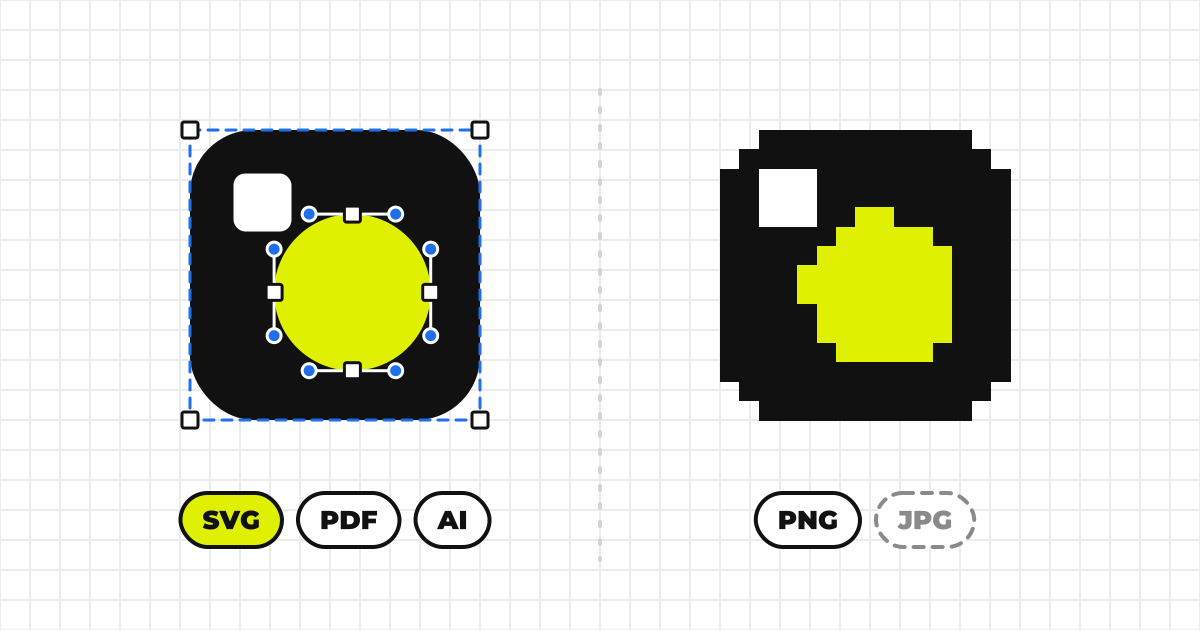
File formats7 min read
Logo File Formats: SVG, PNG, PDF and AI
SVG, PNG, JPEG, WebP, PDF, AI and EPS compared in a table: which to use on the web, in slides and in print, why SVG text breaks, and which formats to supply when you publish a logo.
User Guide — For Viewers
From finding logo assets to downloading them and copying brand colors — the steps and rules for anyone using MediaKit™ assets.
The screens in this guide are the actual parts of MediaKit™, running here. You can press the buttons; nothing is sent or saved. The samples use brand assets from our own products: MediaKit™, Werp™, Creators Team and Drone24™.
MediaKit™ is a platform for managing a company's or organization's branding assets — logos, corporate colors, and more — in one place. You can download logo assets of various types in the file format you need.
A brand's page, opened from a shared link or a search, is laid out like this.
Open the organization's page — either from a shared link, or by searching for the company or organization's name from the top page.
Open the organization's page and go to the Logos section. Each mark has one card, and its variations, such as light and dark, are switched inside that card.

Variations
Other formats
This is a sample, so nothing is saved
A dialog asks you to agree to the Terms of Service and the guidelines. Once you agree, it does not appear again.
If your browser asks for permission to download the file, allow it.
The file is saved to your device. Please use it according to the guidelines the logo's owner has provided.
Open the organization's page — either from a shared link, or by searching for the company or organization's name from the top page.
The Colors section lists each brand color with its name.
An organization's page can be set to one of three publication states by its owner.
This kit's publication setting is Public. It's shown in search and browse listings, and anyone can use it under the guidelines below without a password.
This kit's publication setting is Unlisted. It's hidden from search and browse listings, but anyone with this link can use it without a password.
This kit's publication setting is Locked. It's hidden from search and browse listings, and a password is required to open this link at all.
The Guidelines section sets out how to use the logos. It holds the owner's own words, and figures drawn automatically from the registered logos.
Shows the required clear space around a logo — an area where no other elements should be placed.
Because logo size varies widely across media, clearance is often measured using a part of the logo itself as the unit, rather than an absolute unit like px or mm.
MediaKit™ lets you choose from the following units.
Keep this protected area around the logo free of any other elements (some figures are auto-generated by MediaKit™).

Logo width0.1 × logo width
Logo height0.5 × logo height
Pixel24px
The smallest size each style should be used at. Where the owner hasn't set one, MediaKit™ shows a reference value instead. px is for screens and mm is for print; they are set separately, not converted from one another.
 24px / 8mm
Symbol
 96px / 24mm
Horizontal Set
Derived from the theme each mark was registered with (for light / dark surfaces). Check colored surfaces on each logo card's Brand tab.
White
Black
Standard misuse rules that apply to brand logos in general (reference figures auto-generated by MediaKit™).
Do not rotate
Do not distort
Do not recolor
Do not add shadows
Do not obscure
Do not place on low-contrast backgrounds
When using a logo published on this platform online or in print, please keep the following in mind.
Creators Team Inc., the company operating this platform, accepts no responsibility for any damages arising from the use of this platform.
You may be asked for a password to download a logo or view an organization's page. This is due to the publication settings chosen by that page's owner. If you don't know the password, please contact the owner directly.
If you believe content on this platform falls under any of the following, please report it to us using the Report button at the top right of the organization's page.
SVG, PNG, JPEG, WebP, PDF, AI and EPS compared in a table: which to use on the web, in slides and in print, why SVG text breaks, and which formats to supply when you publish a logo.
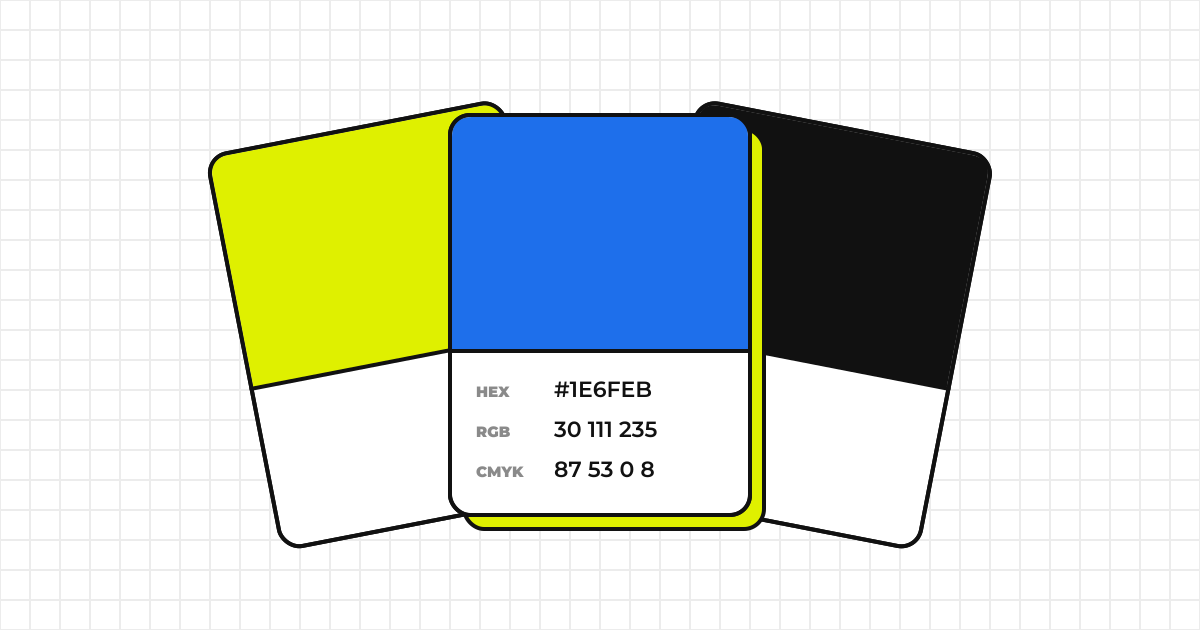
How HEX, RGB, CMYK and spot colors (DIC, PANTONE) differ and when to use each. Why RGB can’t be converted to CMYK exactly, how to write colors in guidelines, and how to check whether a color works for text.
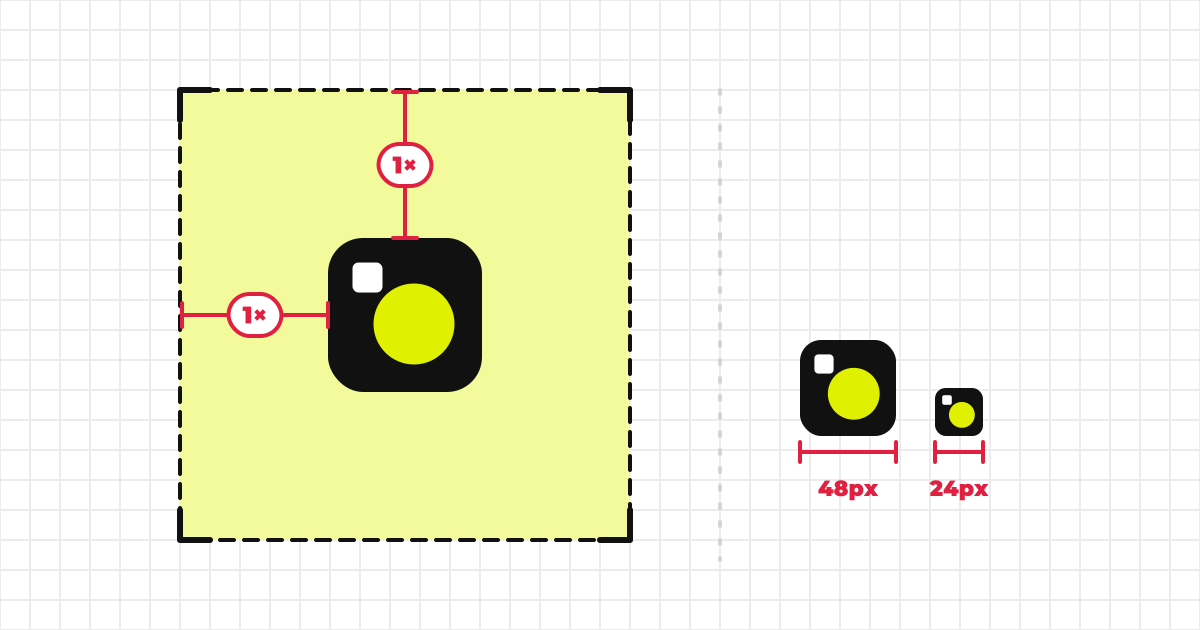
How to decide a logo’s clear space and minimum size and write them down: choosing the unit, measuring at real size, setting screen px and print mm separately, and wording people will follow. Written for whoever publishes the logo.