MEDIAKIT UPDATESeptember 2026
We overhauled how you manage brand assets.
The public page, the console, the guidelines — MediaKit™ has changed substantially. Here is what is different.
- commits
- 180
- consoles rebuilt
- 4
- guideline chapters generated
- 5
Every kit is now a single press kit
Logos, colors and guidelines used to live on separate pages. They are now one brand portal, so you hand over a single link and the person receiving it finds everything on one page.
Before
After
After
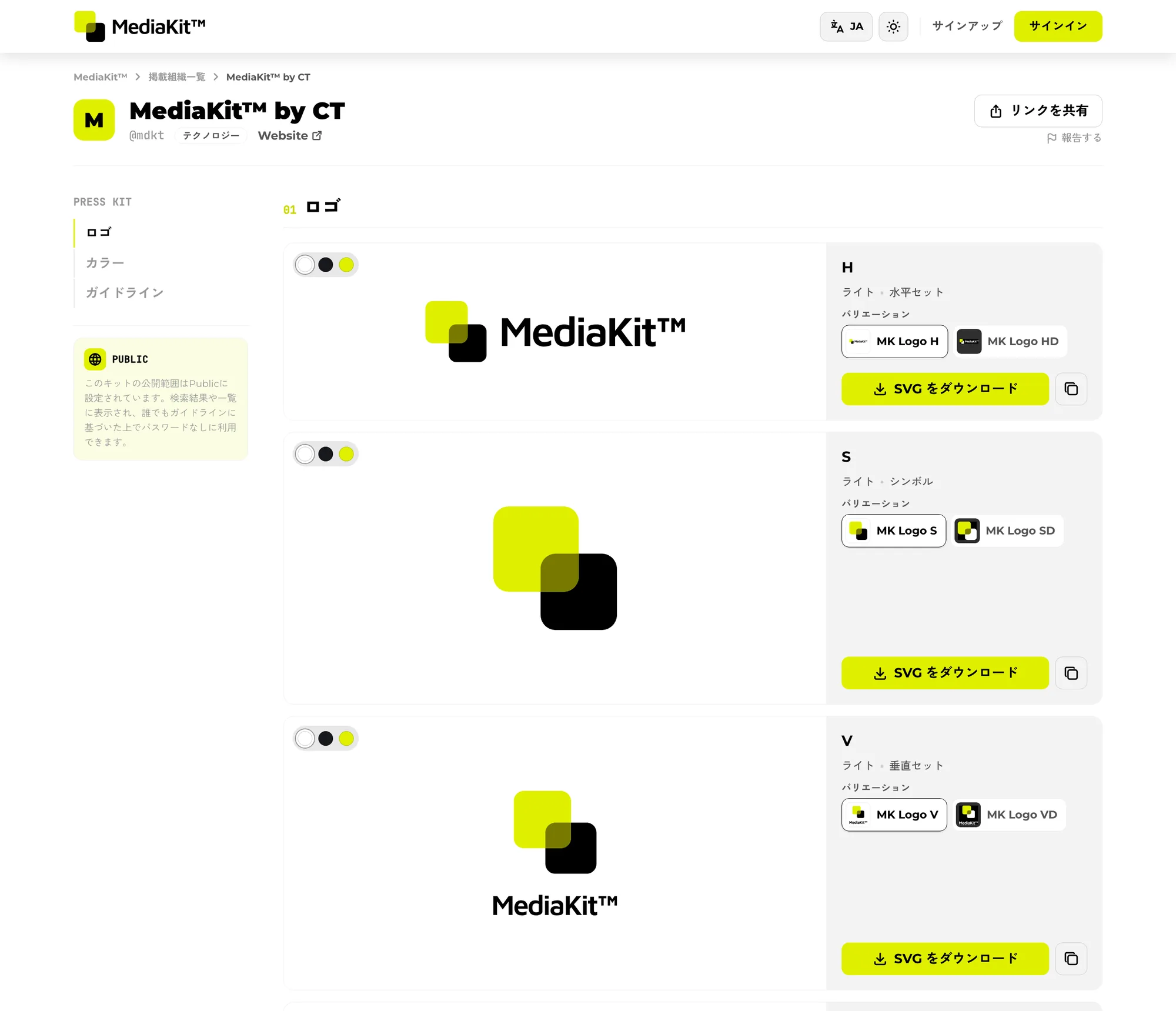
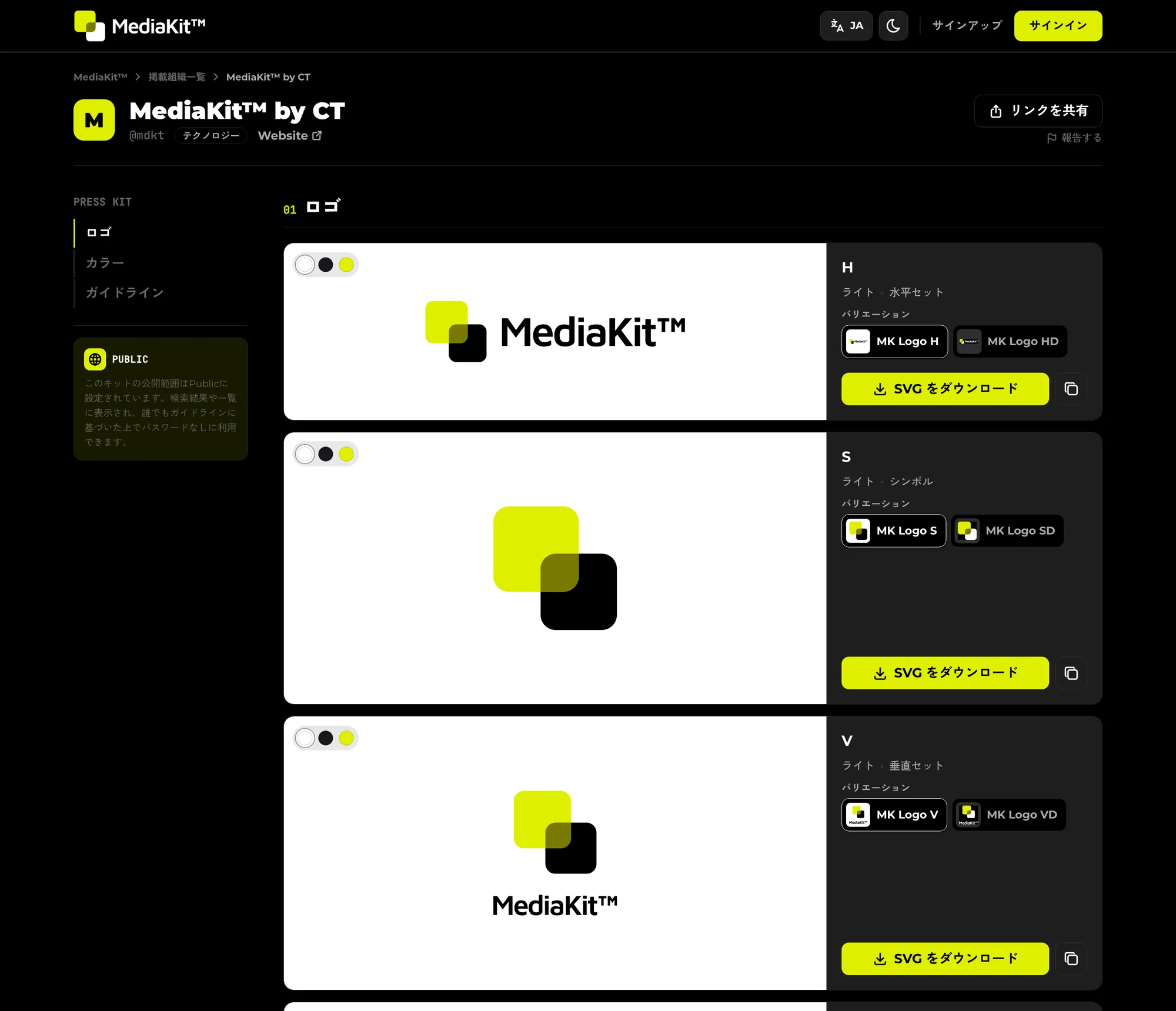
- A side navigation moves between the logo, color and guideline sections.
- Logos can be viewed against different backgrounds, so how a mark reads on light and on dark is visible on the spot.
- Color and format variants of the same logo are collected into one card you can switch between.
- A new Photos section holds images that are not logos — product shots, screenshots, photography.
Handing a logo over got faster
We reworked what the person receiving a logo actually does, so it takes fewer steps than download, unzip and hunt.
- SVG
01Copy SVG
02Clipboard
03Paste as is
Before
t5hl5o6m.svg
After
MK_Logo_H.svg
- SVGs can be copied straight to the clipboard in one click and pasted into a design tool — no download at all.
- The per-format download flow was rebuilt, leading with SVG as the recommended, lossless choice.
- Downloaded files are named after the logo, not after the stored hash.
- .ai and .pdf logos now preview in the browser.
Guidelines assemble themselves
Each chapter of the guidelines is generated from the logos already registered, so a kit publishes a usable set of brand rules without a line of writing.
A registered logo
Five chapters, generated
- 1Clear space
- 2Minimum size
- 3Logo misuse
- 4Name usage
- 5Usage terms
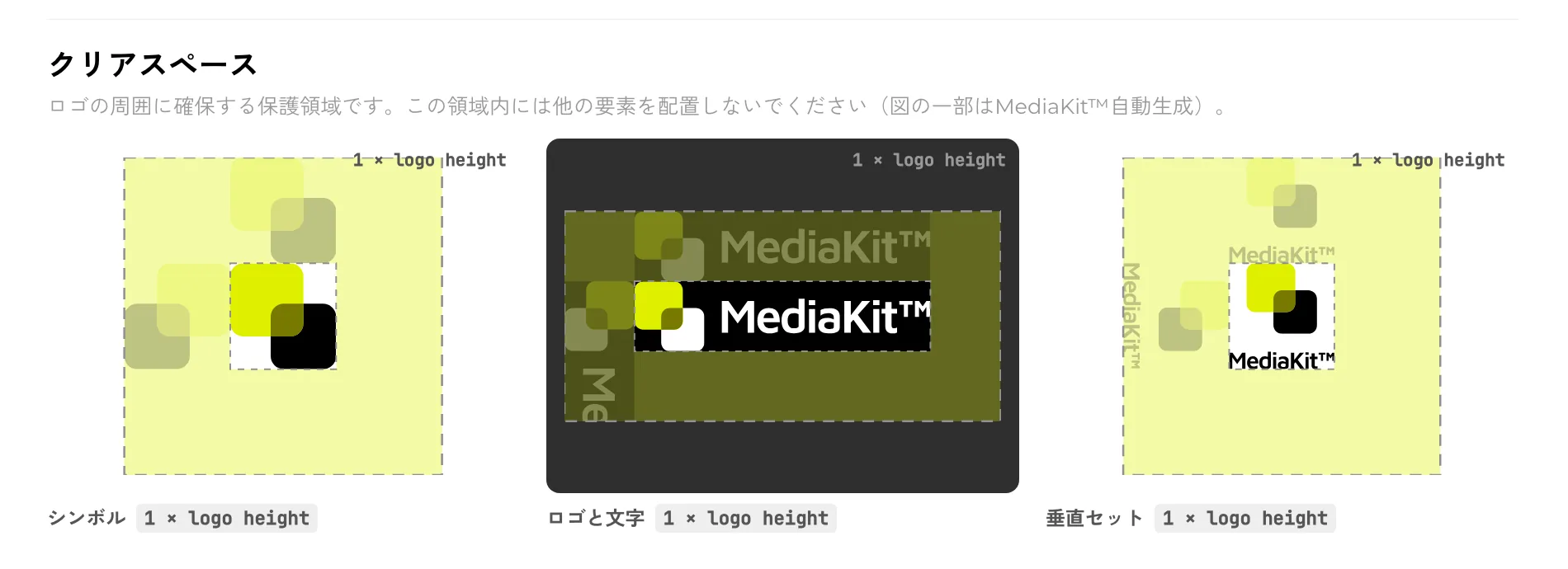
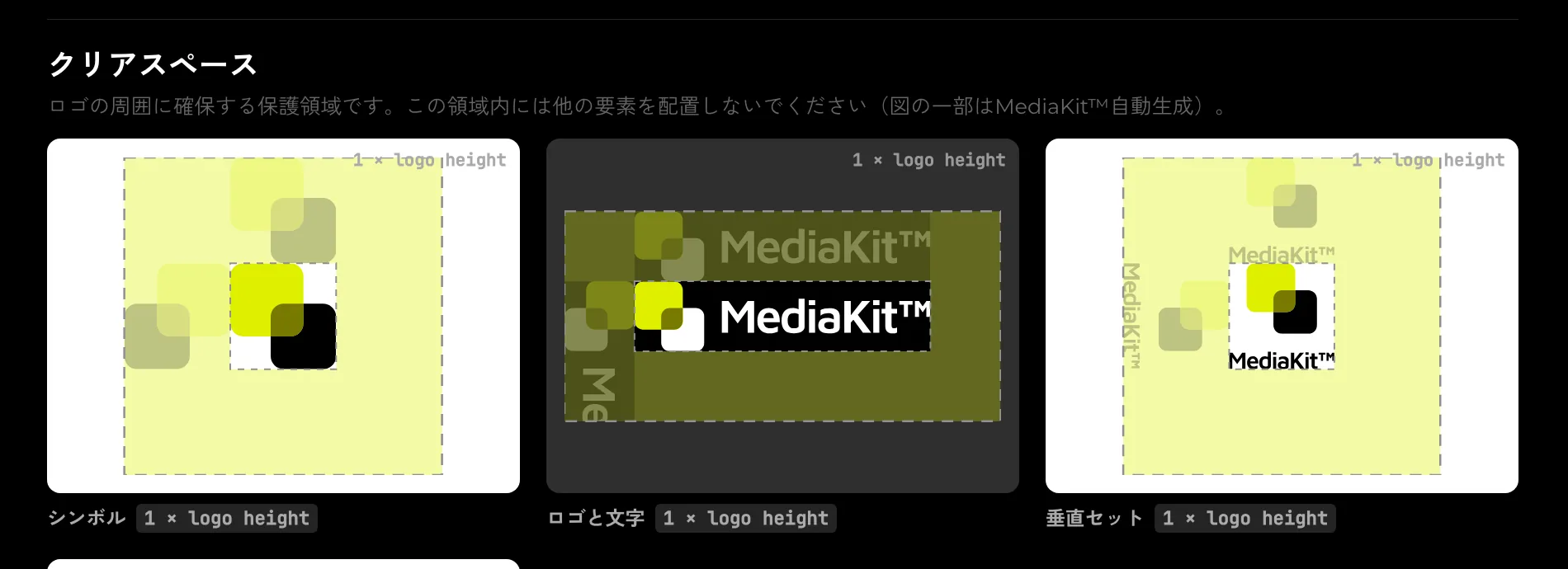
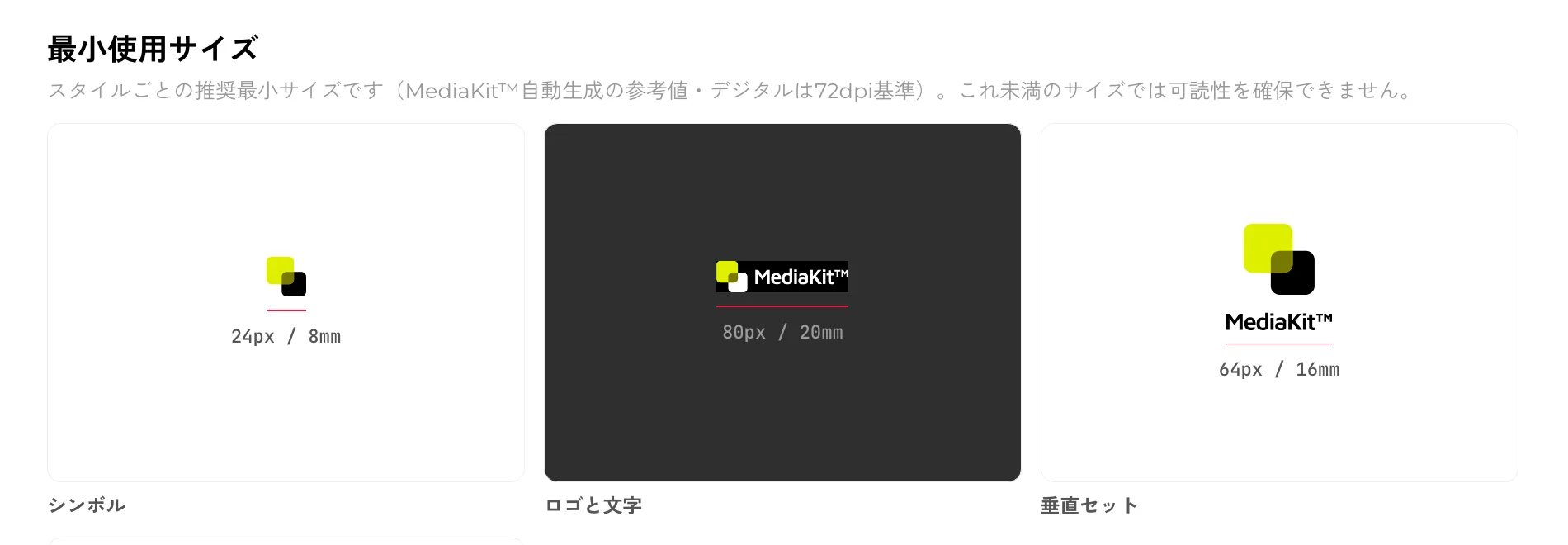
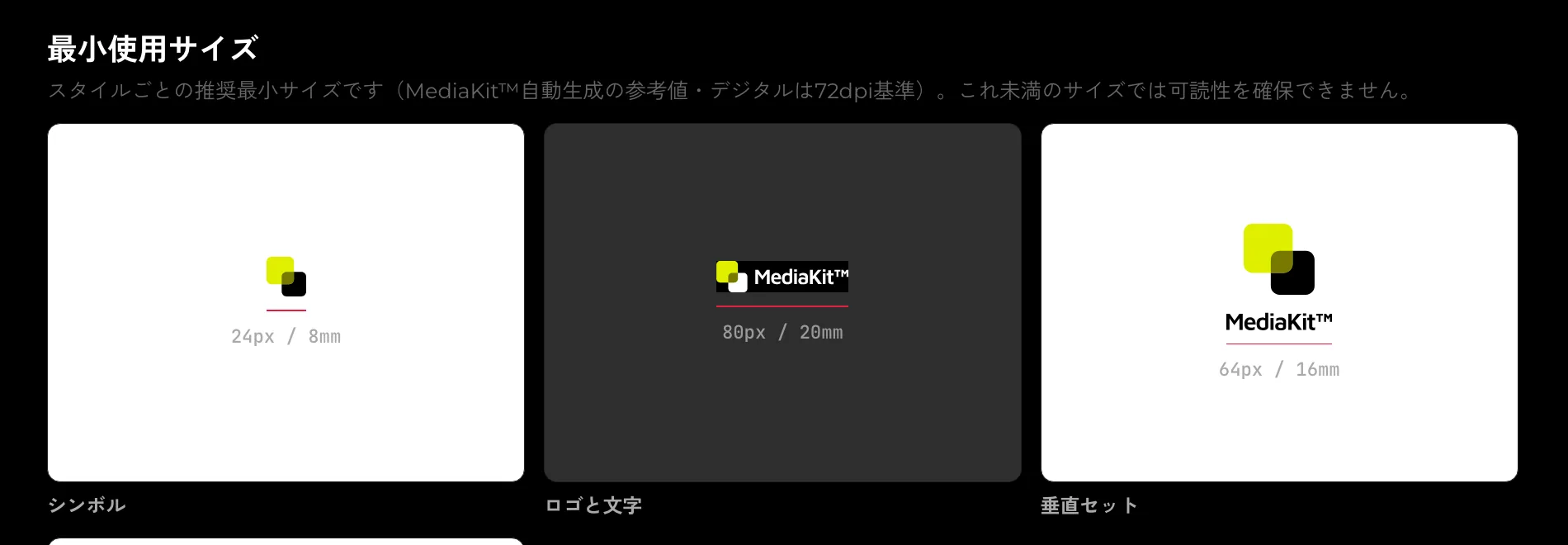
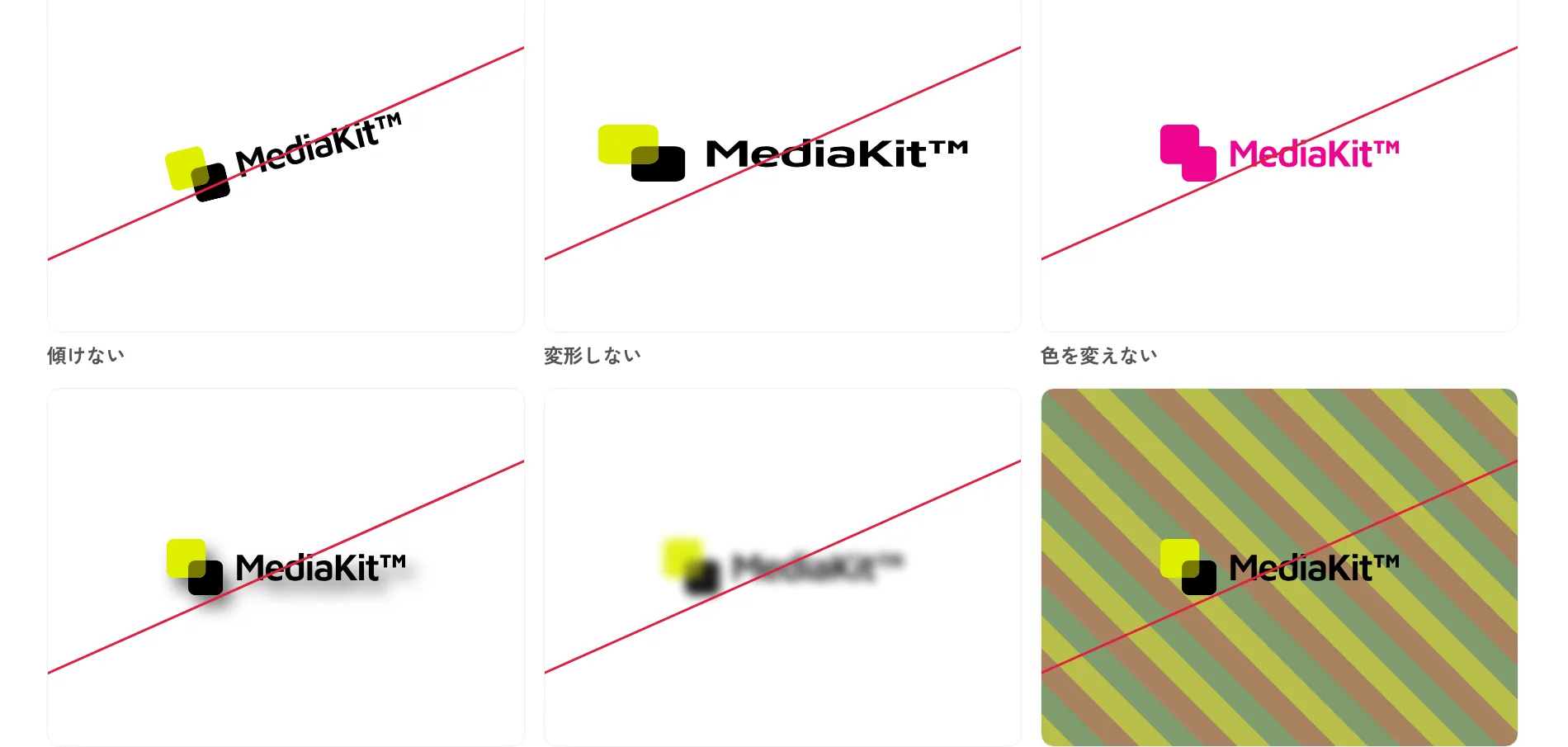
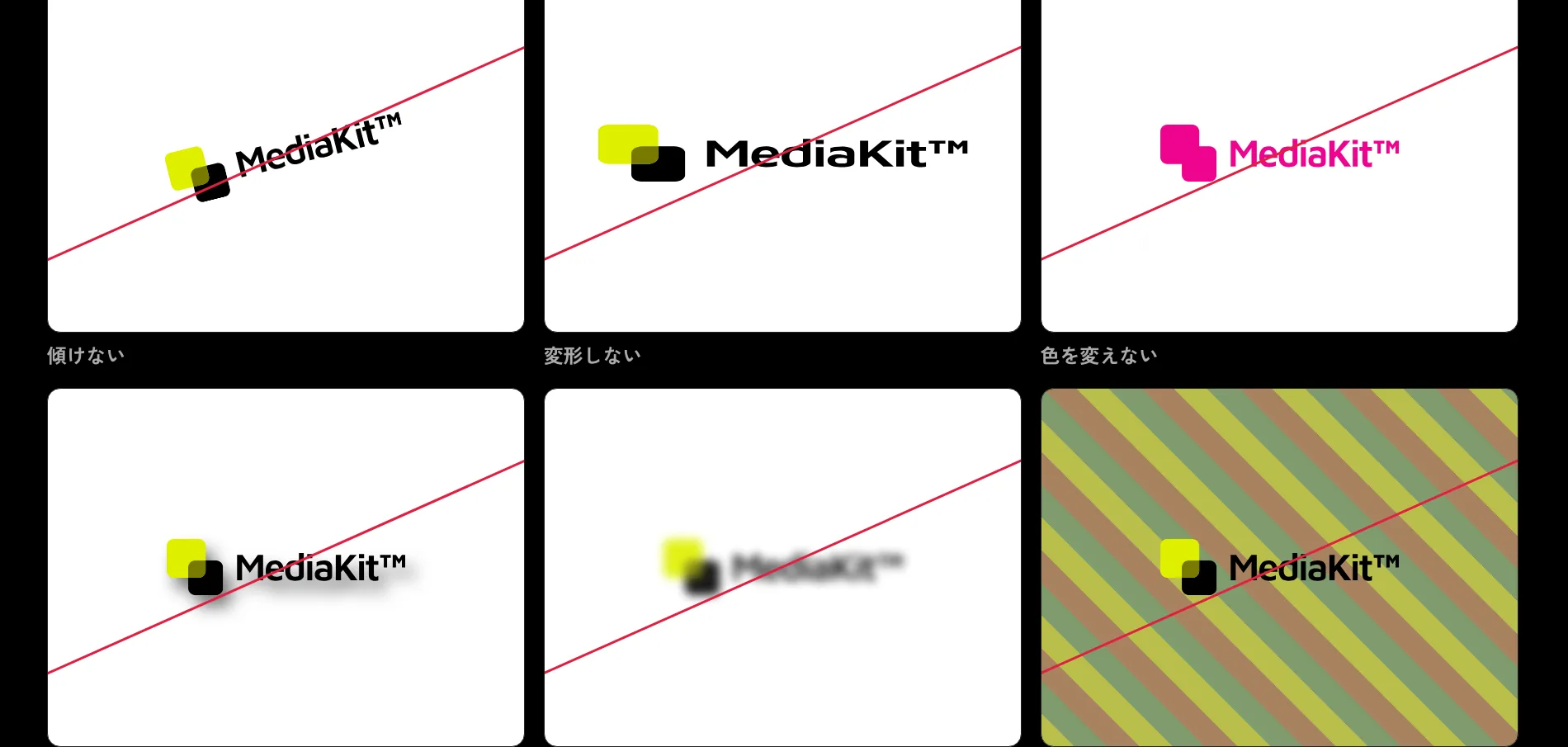
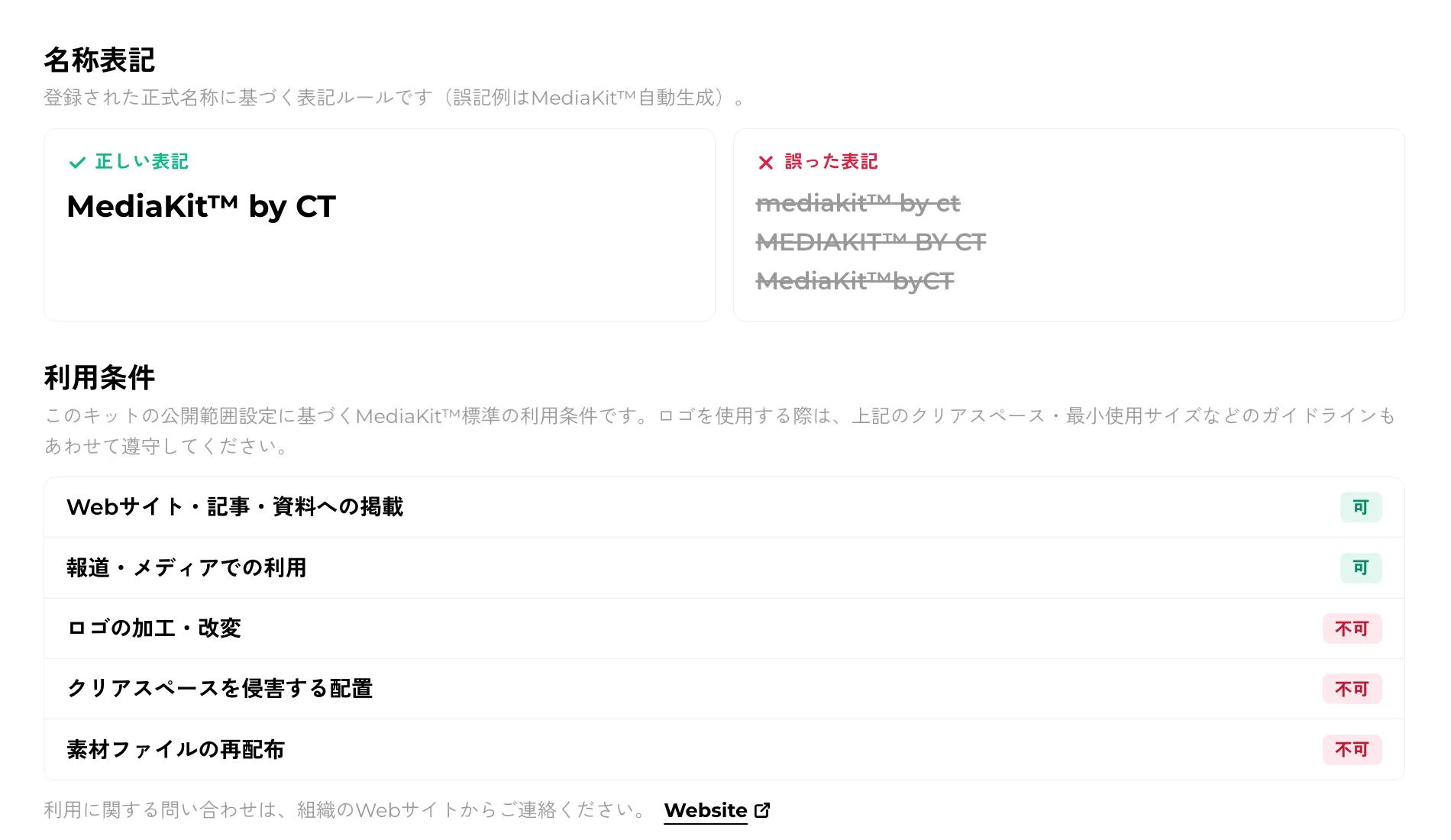
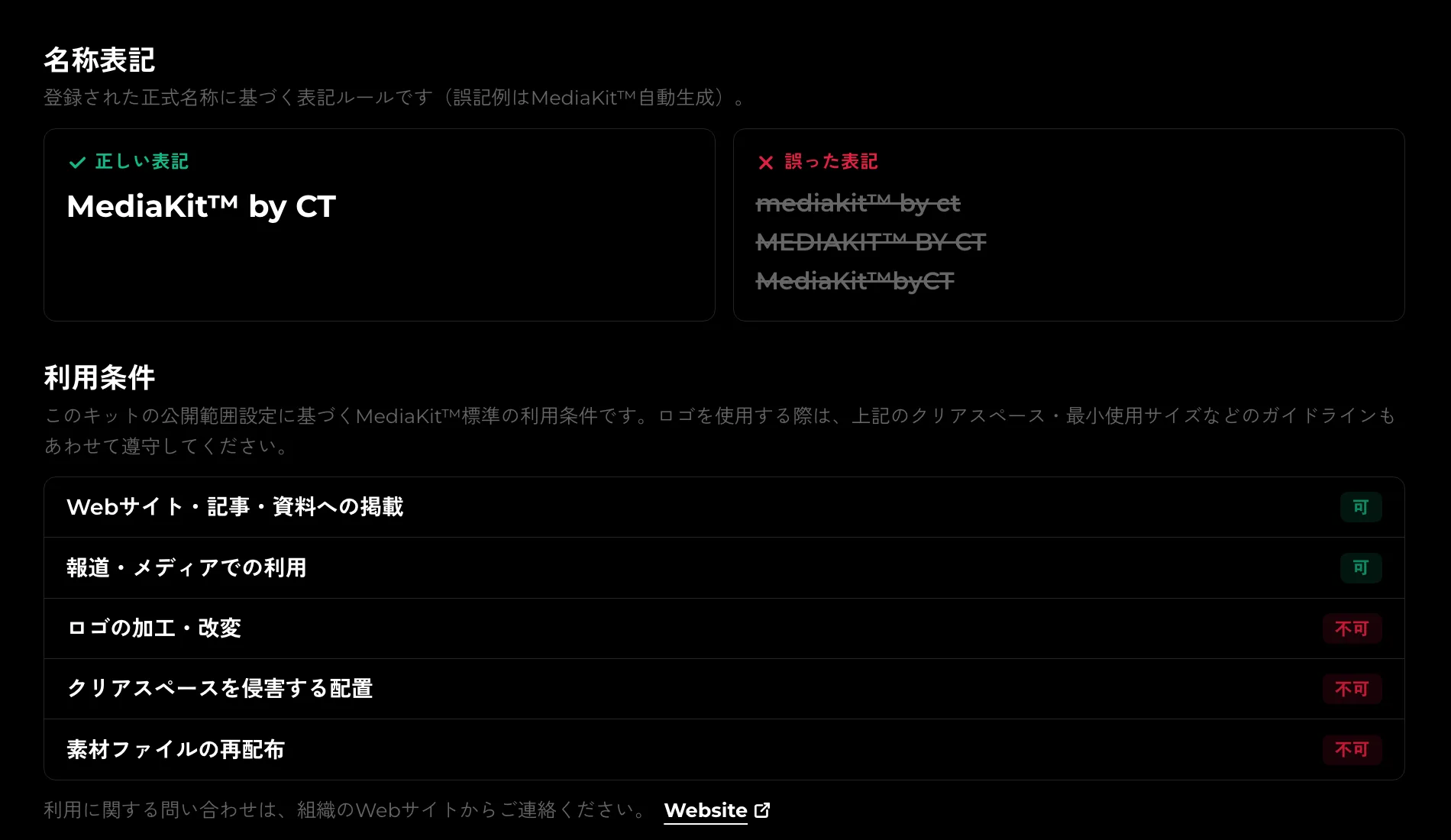
- Clear space. Every style gets a published default rule, and the figure is drawn from the real logo.
- Minimum size. Recommended digital and print values are derived automatically.
- Misuse. Six examples — rotated, distorted, recolored and so on — generated from the mark itself.
- Naming. Correct and incorrect notations, built from the registered official name.
- Usage terms. A permissions table that follows the kit's publication scope.
- Every chapter can be published or hidden, and you can pick which logo each figure uses.
The console was rebuilt from scratch
Logos, colors, guidelines and settings — all four consoles were rewritten to cut the number of steps registration takes.
Dropped files
- mk_logo_h.svg
- mk_logo_hd.svg
- mk_symbol.png
- mk_wordmark.ai
Detected
- mk_logo_h.svgHorizontal setLight
- mk_logo_hd.svgHorizontal setDark
- mk_symbol.pngSymbolLight
- mk_wordmark.aiLogotypeLight
- Bulk upload. Drop a folder in and the style of each logo, and whether it is for light or dark, is read from the artwork.
- Different formats of the same logo are merged by content. A logo with no raster format gets a PNG generated in the browser.
- Colors are lifted from a newly registered logo and offered for registration as brand colors.
- Drag to reorder, group, and act on several logos at once with checkboxes. The order carries through to the public page.
- A save bar, and a warning when you try to leave with unsaved changes.
Three publication scopes
The names were clarified and the behaviour was reimplemented so the setting actually governs access.
| Public | Unlistedformerly Private | Lockedformerly Secret | |
|---|---|---|---|
| Listed in search and directories | Yes | No | No |
| Opens for anyone with the link | Yes | Yes | No |
| Requires a password to open | No | No | Yes |
- Public. Listed in search and directories; anyone can view and download.
- Unlisted (formerly Private). Not listed, but anyone with the link can open it.
- Locked (formerly Secret). Not listed, and a password is required to open it.
The groundwork
A good deal of the work went into parts that are harder to see.
Japanese
mdkt.in/
English
mdkt.in/en/
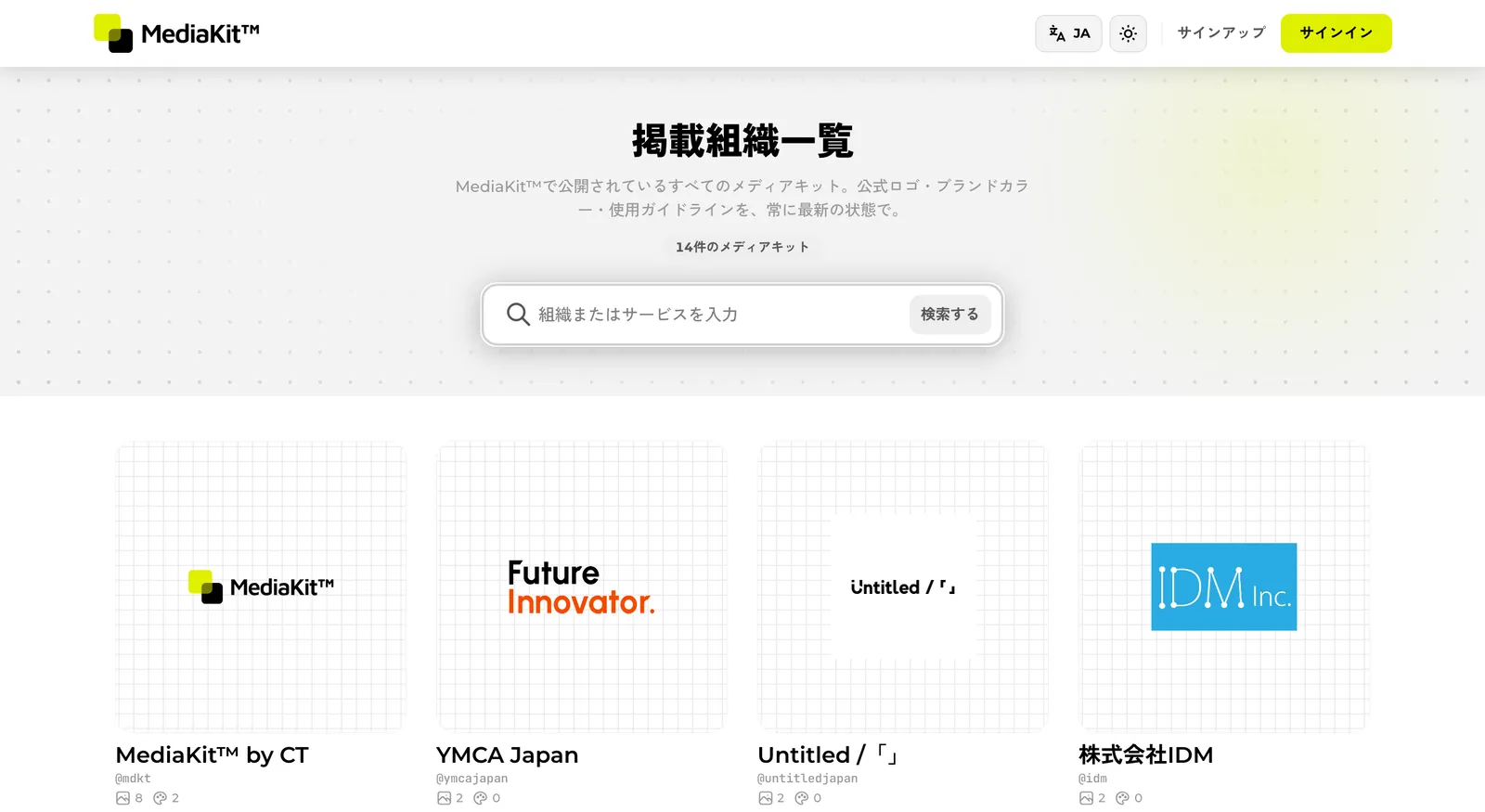
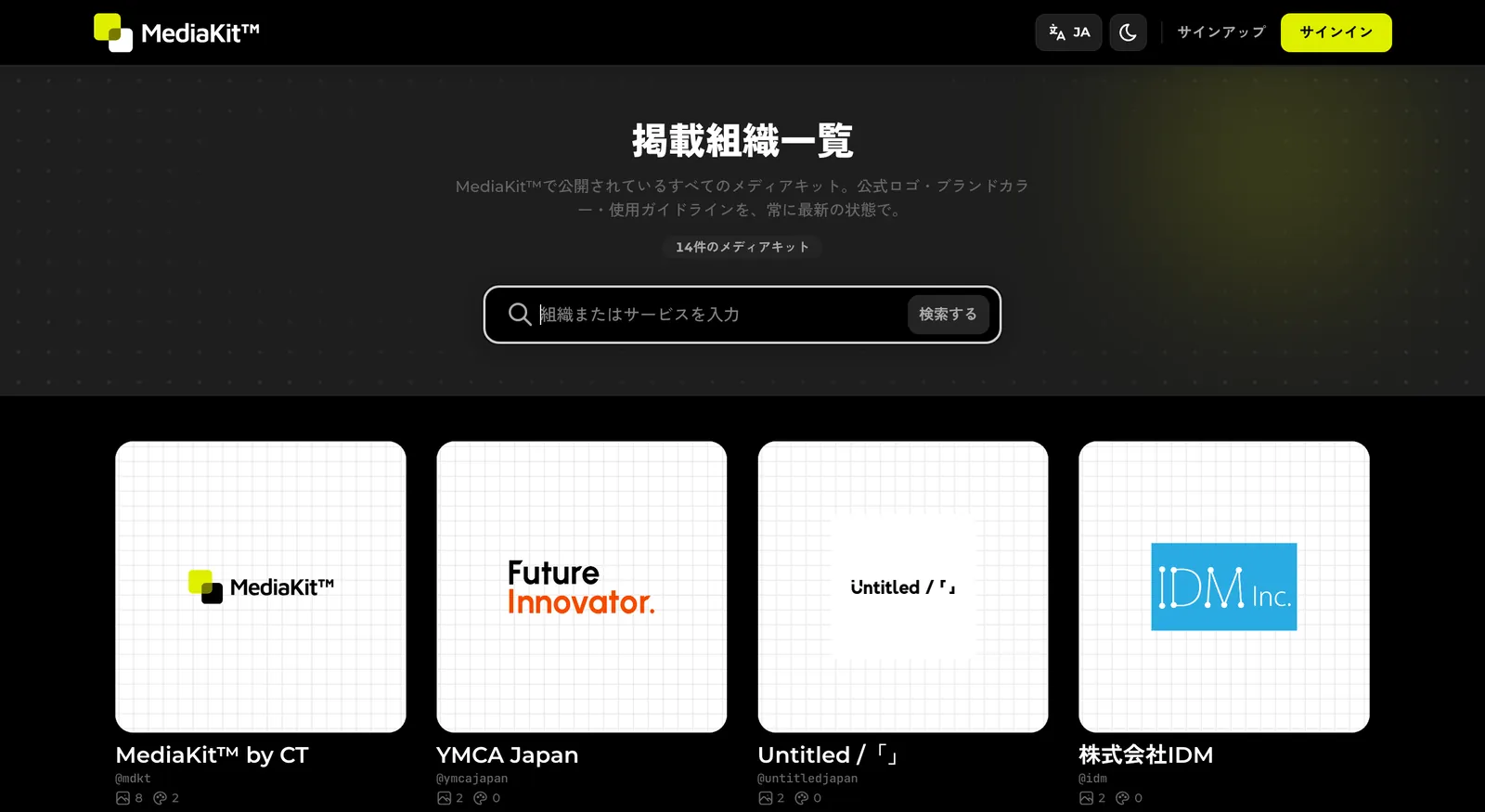
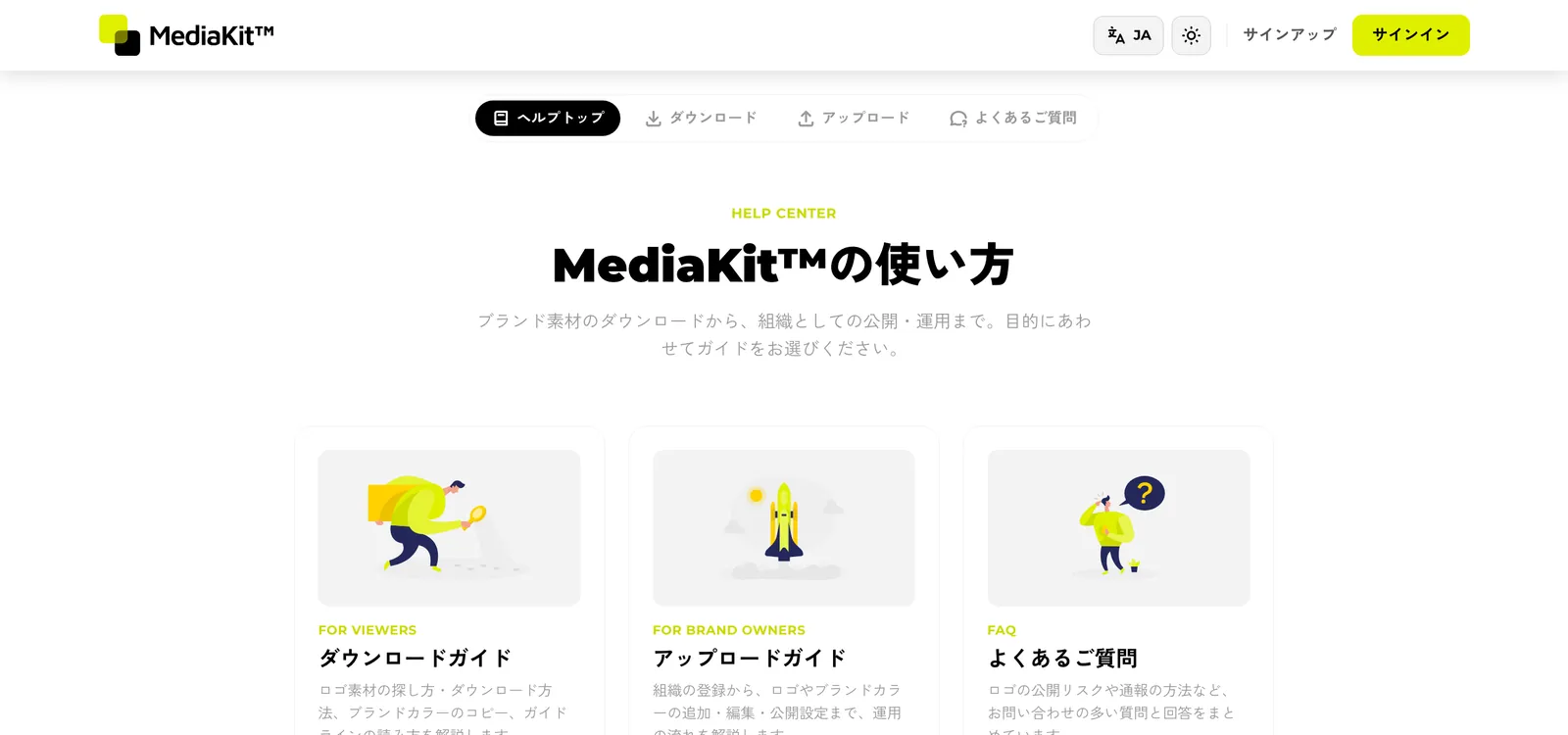
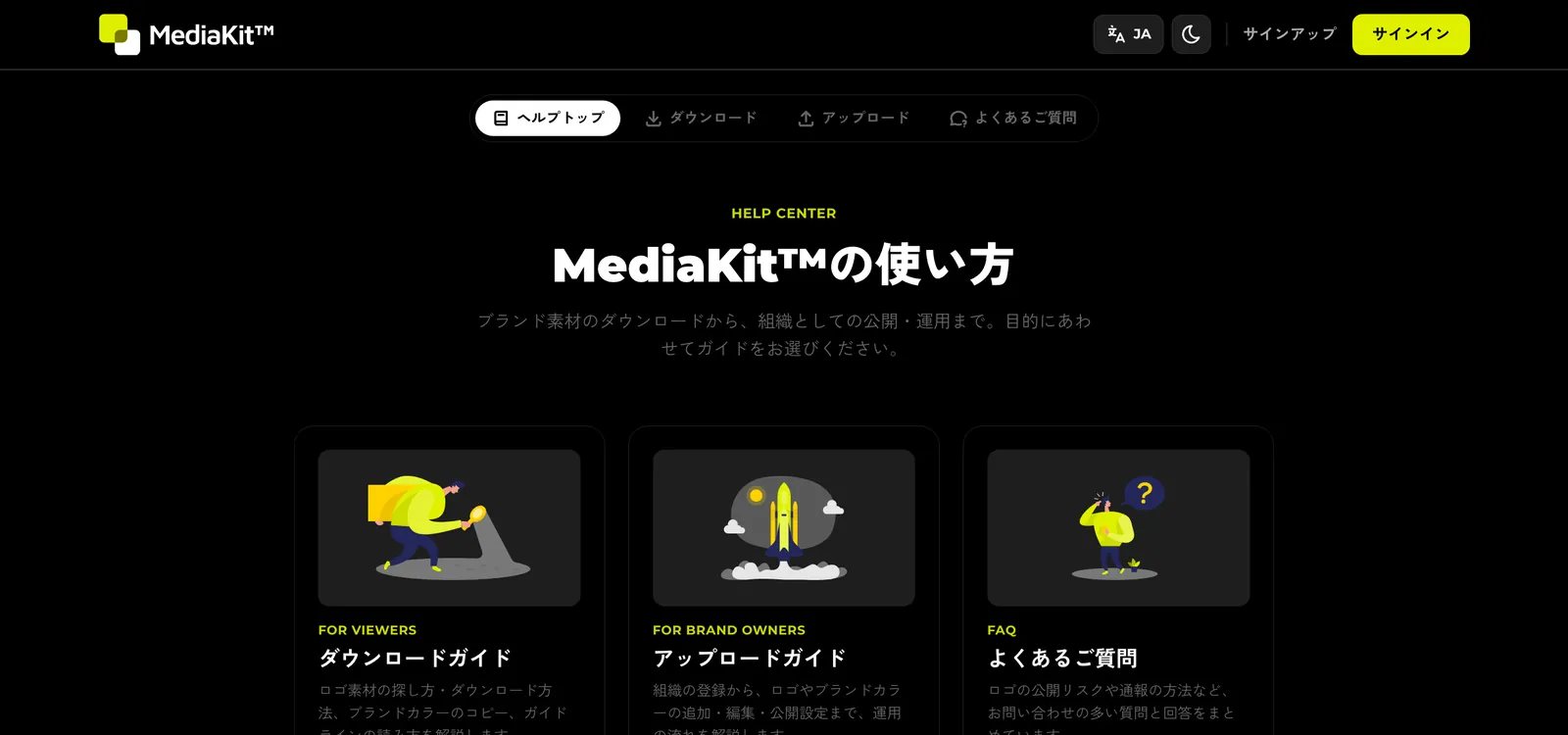
- Japanese and English now have separate URLs — mdkt.in for Japanese, mdkt.in/en for English.
- A help center was added, with download and upload guides and an FAQ written from scratch.
- A directory of published kits makes it possible to browse everything on the platform.
- The Terms of Service and Privacy Policy were rewritten to match what the product actually does.
- Authentication is protected by Turnstile, and uploaded files are validated far more strictly.
Changes worth knowing about
These affect accounts that existed before the update.
The Terms of Service and Privacy Policy were revised
They now state the limits of liability, how data is handled, transfers outside Japan, and consent for minors. Continuing to use the service is treated as acceptance of the revised documents.
Publication scopes were renamed
Private is now Unlisted and Secret is now Locked. What each setting does is unchanged.
Uploading clear-space figures was retired
Clear-space figures are now generated from the logo. Figures uploaded previously no longer appear on the public page. The numeric rules are still editable in the guidelines console.
New organizations start private
This prevents a kit going public before it is ready. Change the publication scope to Public in settings when you are. Existing organizations were left as they were.
Get in touch
For questions, anything that is not working, or to stop receiving announcement emails like this one, contact us.
Go to the contact formTake a look
Open the console to see how your own kit reads now.